
Google Lighthouse: How good is your website?

Google Lighthouse: How good is your website?
"How do I measure my SEO?" is a question I get asked frequently. Until now, you could only assess the performance of your website's technical SEO using complex tools. With Google Lighthouse SEO, you now have the opportunity to quickly, easily, and free of charge measure the search engine optimisation of your (and any other) website. Get your feedback directly from Google!"How do I measure my SEO?" is a question I get asked frequently. Until now, you could only assess the performance of your website's technical SEO using complex tools. With Google Lighthouse SEO, you now have the opportunity to quickly, easily, and free of charge measure the search engine optimisation of your (and any other) website. Get your feedback directly from Google!
What you can expect in this post
The Google Lighthouse SEO check
Sure, Google Lighthouse is an open-source tool that can do a lot. But there's one thing that really interests me as an SEO copywriter and content marketingconsultant: a cool feature called the Lighthouse SEO Check.
With this test, you can conduct a simple SEO audit of your website (or any other website). This way, you can see exactly where you stand – and have the chance to quickly uncover fundamental SEO errors that your website might still have.
Furthermore, the tool even provides you with concrete, clearly worded suggestions for improvement. This gives you the opportunity to correct any potential errors directly.
The tool checks your website to see, among other things, whether
- Your content SEO title and meta description have
- Your pages are linked and these links are meaningfully labelled
- Add ALT content to your images and videos
- The URL structure of your website is clear and you use unique content
If you follow these points – and a few others – your website will certainly have good SEO scores. And potential customers will find your site on Google.
Since Google Lighthouse runs locally in your browser, you can also perform the SEO check in your development environment. And as a bonus, Lighthouse can also reveal information about your site's technical performance, such as loading times, best practices, and the overall accessibility and user experience (UX) of your website.
This is how you install Google Lighthouse
Google Lighthouse makes getting started really easy: It's built into the developer tools of the Google Chrome browser. To use it, simply open the browser, go to the desired website, and press F12 on Windows or Shift+Cmd+I on a Mac.
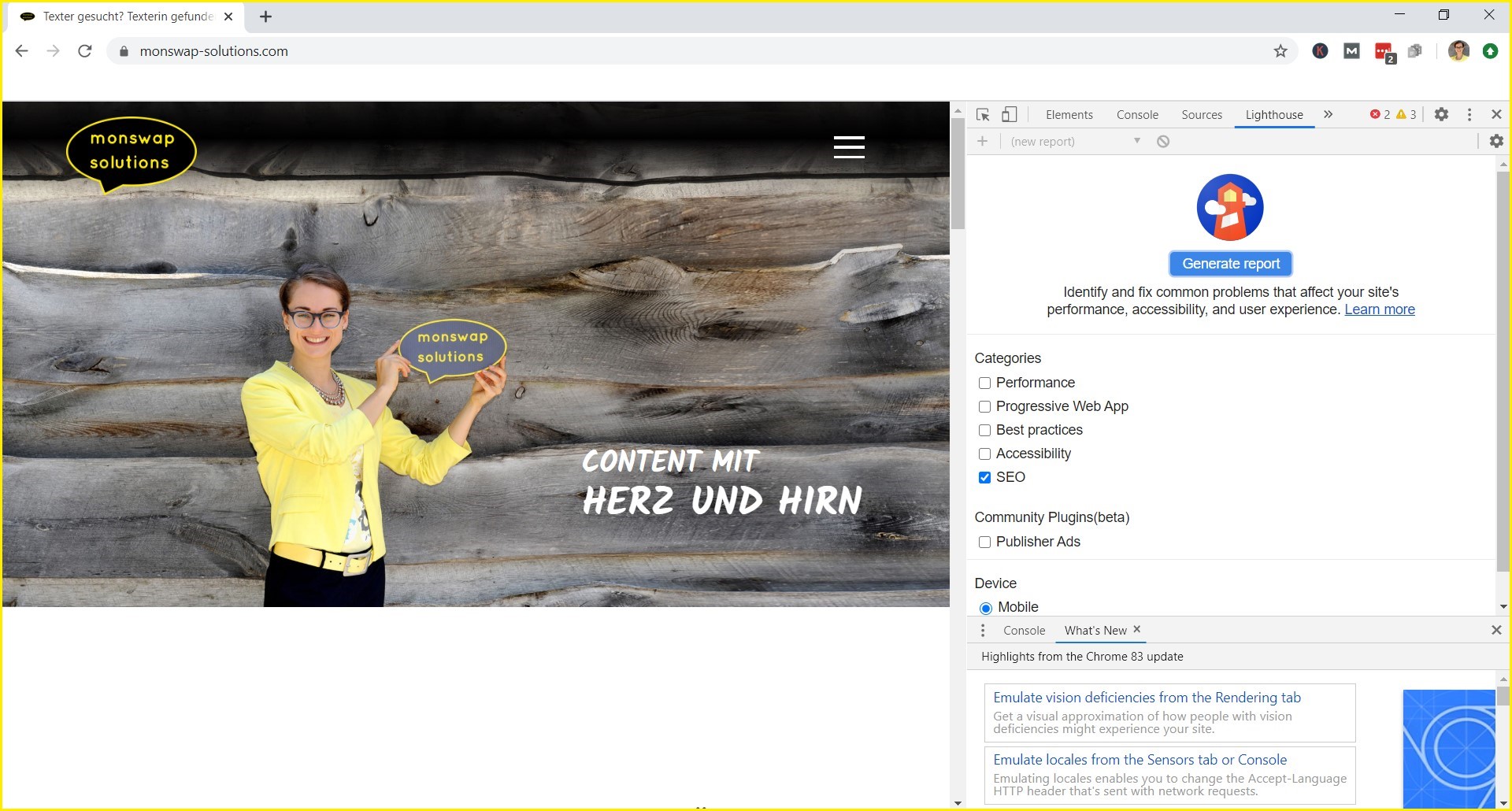
The tool opens, and you can start the SEO test with just one click. After about 30 seconds, you'll receive a complete report on the status of your search engine optimisation.
There's also a separate Chrome add-on for Lighthouse that adds a button to your toolbar. However, the operation remains essentially the same as in the developer tools. By the way, it seems the Google Lighthouse SEO test is currently only available in English.
The moment of truth: monswap-solutions.com put to the test
It's time to put the Google Lighthouse SEO check to the test. Let's see what happens when I shine the lighthouse beam on monswap-solutions.com…
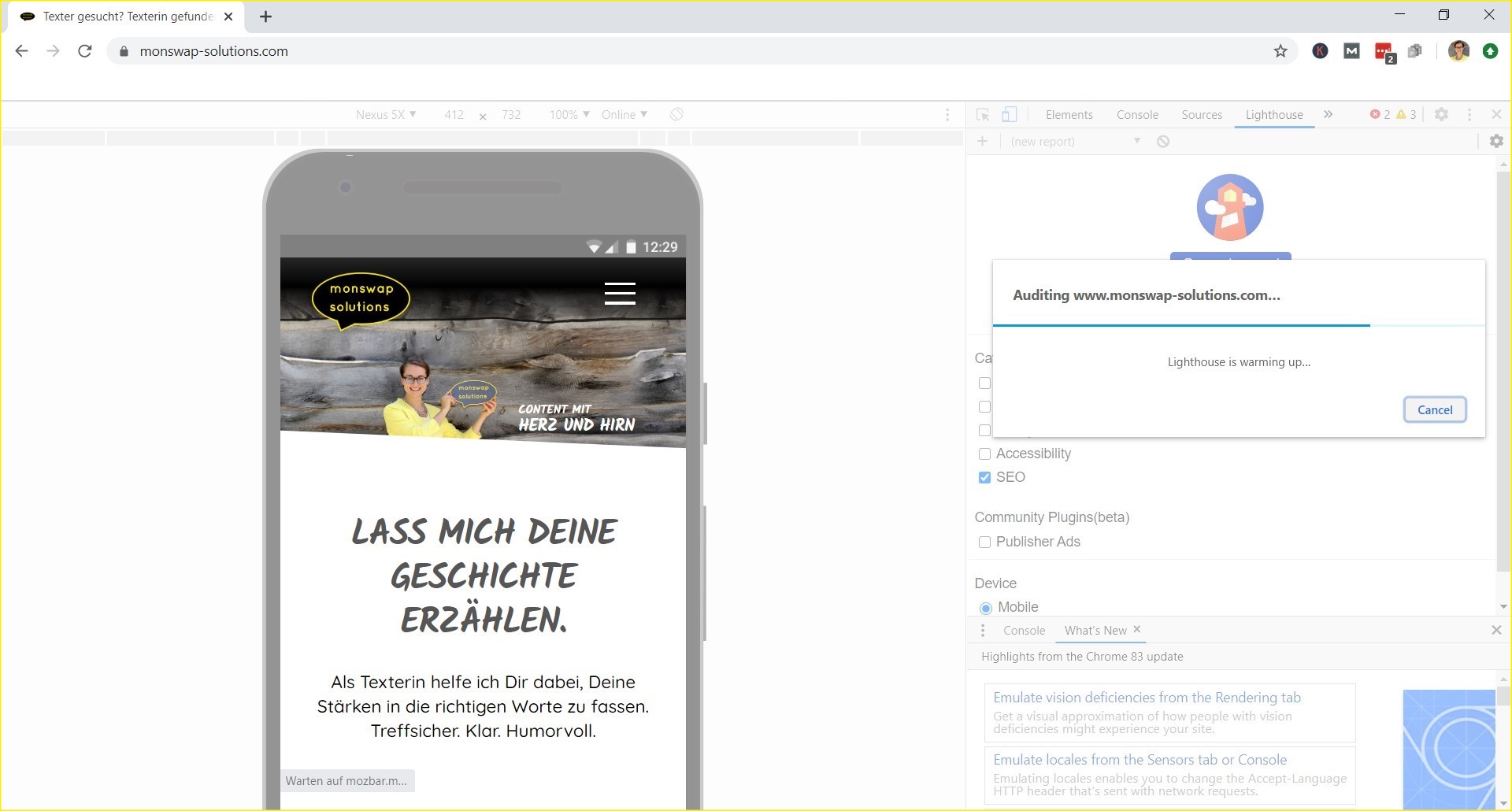
Today I'm focusing solely on SEO and the mobile version of my website, because mobile optimisation is becoming increasingly important ("mobile first," etc.). Lighthouse will show me how well Google currently ranks my website—and how I can improve it.
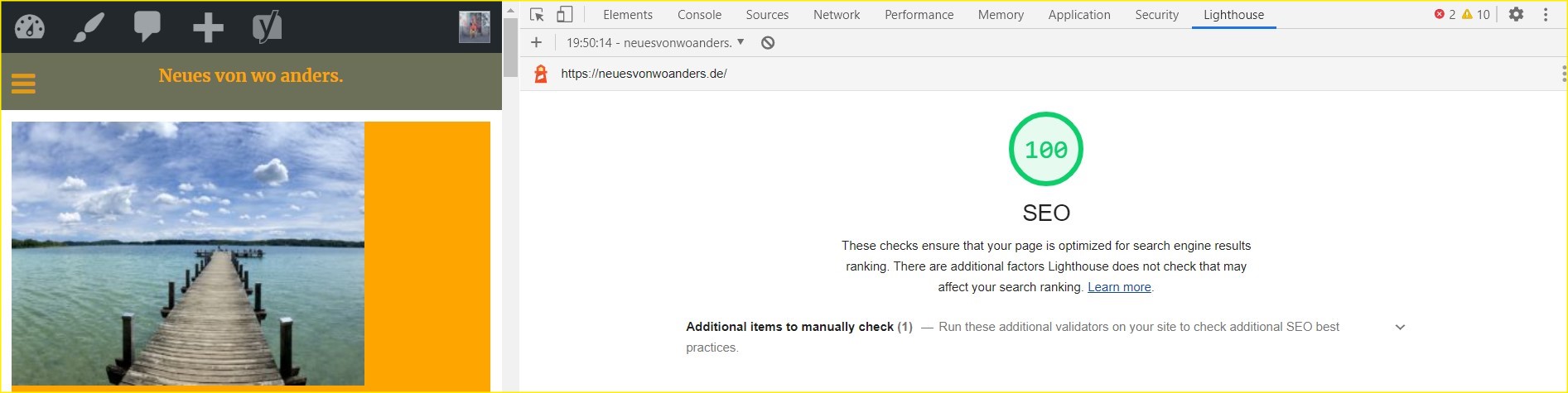
The screenshot below shows the result: The mobile site's SEO ranking is visualized by a number inside a circle. Depending on how well the website performs, this circle changes color using a traffic light system: green for good, red for room for improvement.
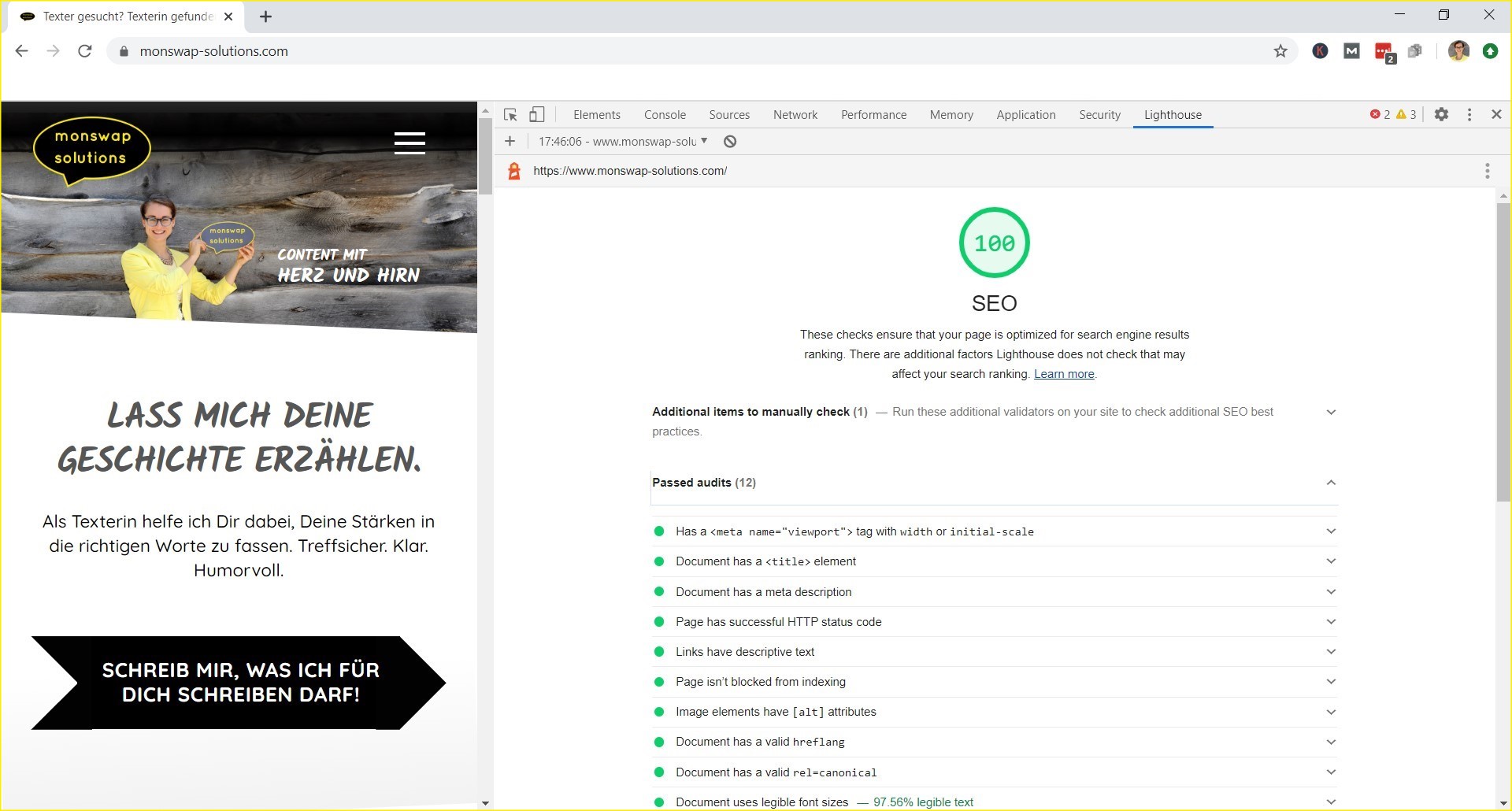
The rating shows that monswap-solutions.com scores a perfect 100 on Google Lighthouse SEO. Perhaps not surprising – after all, that's my job as an SEO contentconsultant. Nevertheless, I'd like to quote Hannibal from the incomparable A-Team at this point:
I love it when a plan comes together.
John “Hannibal” Smith
Or, put another way: This is what happens when professional content, on-page SEO, contentsearch engine optimisation , and search intent (SIO) work together.
100% in all client and in-house projects
Incidentally, this isn't something only I can do: I always give 100% for my clients as well. The figures for some of my current projects,:



Don't believe me? Then just try out Google Lighthouse SEO and check these (or any other) URLs!
Why don't you try it on your side?
You can download it for free as an extension for your Chrome browser from Google's developer platform developers.google.com
On the website of yoast.com, a renowned provider of SEO software, you can read more about other aspects of Google Lighthouse, such as loading times and accessibility.
Are you already using Google Lighthouse SEO? What do you think of it? Feel free to share your experiences and tips in the comments. I look forward to hearing from you!